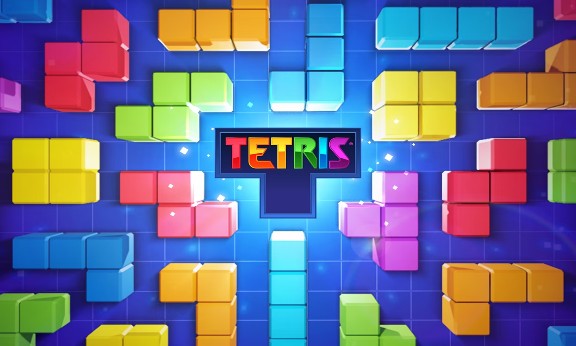
Tetrix Online is a new version of the classic Tetris game. Start your block-stacking journey now to become the best block stacker on the global leaderboard.
Both Tetrix Online and Block Blast 3D belong to the familiar block-stacking genre, where players need to arrange the pieces strategically to score the highest points. If you want a block-stacking puzzle experience with varying difficulty levels, you can play this game.
Tetrix Online retains the familiar block-stacking gameplay of the classic Tetrix, but it's upgraded with online play, faster speed, and higher competitiveness. This makes the experience more engaging than the classic Tetrix, which focused solely on breaking personal records.
Instead of playing alone, you can compete directly with other players, creating a more competitive and exciting experience compared to the classic version, which was primarily single-player. Many modern Tetris versions also incorporate multiplayer to increase engagement and competitiveness.
Newer Tetris versions often improve the falling speed, flexible rotation mechanism, and display of the next block to help players strategize faster.
Compared to the simple graphics of classic Tetris, this version offers a colorful interface and effects that help distinguish the blocks better.
Tetrix Online focuses on community with a leaderboard. Players compete against other players from around the world. This creates a great motivation for players to achieve higher scores with each round.
To achieve a high score in this game, you need to know the scoring rules and how to control the blocks as follows:
Blocks of various shapes will fall from above, just like in classic Tetris.
Your task is to arrange the blocks to form complete horizontal rows. When a row is filled, it disappears and you score points.
The game ends when the blocks pile up to the top of the screen.
In online mode, you also have to compete for scores or speed with other players.