Jumper is a casual platform game with cute graphics. Use your observation skills and intelligently align your jumps to jump through each level.
Jumper impresses not only with its interesting jumping gameplay but also with its unique visual elements and multi-level system
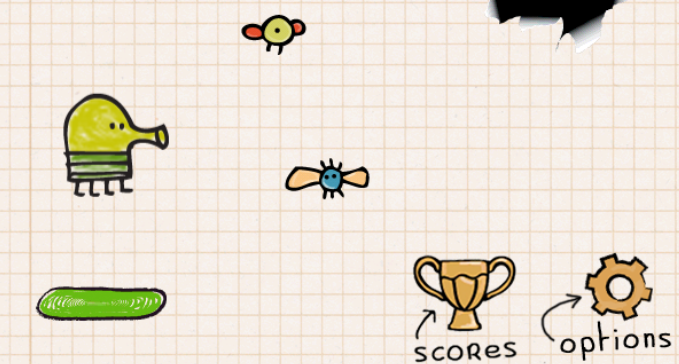
If you know the game Doodle Jump, the game Jumper has a main character and similar jumping gameplay. The game uses basic character and background simulations with soft pastel tones. The background color is a combination of light orange, purple, and light blue. It creates a relaxing feeling like watching the sunset sky. Making the jumping experience feel like being in the air.
Each level in Jumper has a separate target score. When the player reaches that target score, the character will automatically move to a new screen. At higher levels, the difficulty is increased with fewer jumping steps and the appearance of broken wooden steps that are easy to collapse. Therefore, players need to have quick reflexes and calculate jumps accurately and carefully.
To conquer many levels in this game, you need to master the character's jumping mechanism and how to make it perform accurate jumps.
Every time the character touches the green step, it will bounce back up to form a continuous jump chain.
Players must tilt or control left-right to orient the character so that it falls on the next step. Avoid falling off the step and falling to the bottom of the screen.
The goal is to climb as high as possible to score or pass the level.
When reaching 500 points, the player will complete the goal of the first screen.
There is no jump key. The character will automatically bounce up one beat when landing on the green step.
The operation you need to do is navigate the character left and right to align the landing point accurately. You click on the area on the left side of the screen, and the character will jump to the left one beat. If you want the character to jump to the right, click on the area on the right side of the character. The character will pass through the other side of the screen if it has moved beyond the boundary. Use this mechanism to control the character to move, like jumping up the steps in the smartest way.