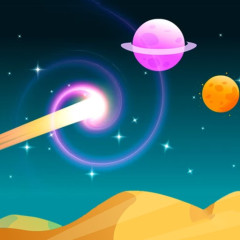
Astro Tycoon is a space mining management simulation game where you build and expand your resource-gathering system across different planets.
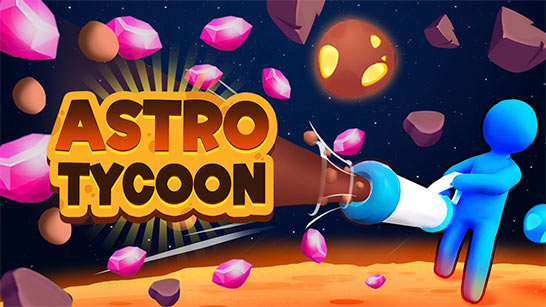
Like Monkey Mart, Astro Tycoon focuses on management gameplay and continuous upgrades, where players collect resources to expand their production system and increase operational efficiency.
Astro Tycoon features include the following:
Players will gradually expand their scope of operations by collecting resources from planets, building production facilities, and upgrading equipment. As you progress further, you can unlock new areas with more abundant resources but also requiring a more efficient mining system.
In Astro Tycoon, the upgrade system focuses on three main indicators to help you optimize the speed of your space empire's development:
Force: This indicator affects the power of resource extraction or gathering. When upgrading Force, your character or machine will collect more resources with each operation, allowing for faster resource accumulation.
Capacity: This upgrade increases the capacity to hold resources. With a higher capacity, you can carry or store more resources before returning to the collection point, reducing travel time and increasing efficiency.
Speed: The speed stat determines the speed of movement or task processing. When upgraded, your character will move faster between areas, making the collection-upgrade-expansion cycle smoother and more continuous.
The controls in this game include:
Character Movement: Use the WASD keys or arrow keys to control your character's movement within the mining area. When you reach resource points, your character will automatically begin collecting without needing to press any additional keys.
Gathering Resources: No special keys are needed to mine; simply control your character to stand near the mining machine or resource area. The system will automatically draw resources into your inventory until full, then you move to the station to convert them into money.
Bringing Resources Back to the Station: Once your inventory is full, use A/D or the arrow keys to return to the central area. When standing at the handover point, the resources will automatically be transferred to the system and converted into money.
Unlocking New Areas: Move to an area with a circle or unlock box. When standing in this area, your character will automatically use money to unlock it. You don't need to press any additional keys; just keep your character standing still in that area.
Upgrading Stats: Go to the upgrade panel (Force, Capacity, Speed) and stand near it. When you have enough money, the system will automatically upgrade or display a button for you to click. Some versions allow you to use the left mouse button for faster upgrades.